Managing forms involves:
- Editing Forms
- Deleting Forms
- Viewing Activity Logs
To manage forms, follow these steps:
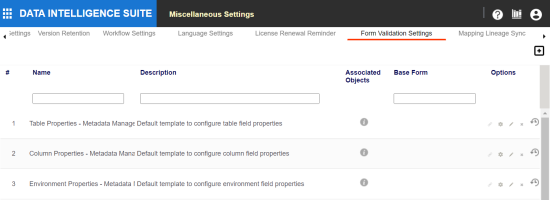
- Go to Application Menu > Settings > Miscellaneous > Form Validation Settings.
- Use the following options to manage forms:
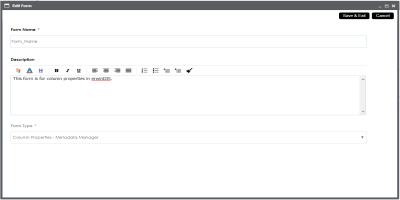
- Edit (
 )
)- To edit forms, click
.
- Delete (
 )
)- To delete forms, click
.- History (
 )
)- To view the activity log of the forms, click
. - Edit (
The following page appears.

|
Copyright © 2022 Quest Software Inc. |